
Book a class
- Open the menu and tap Class Timetable.
- To narrow the list, use the filter at the top to pick a type of class.
- Find the class and check the places, for example 8/12 places.
- Tap SIGN UP. For a children’s class, if you’ve added family members, tap SIGN UP + and pick who’s coming.
- The button changes to CANCEL. You’re booked.
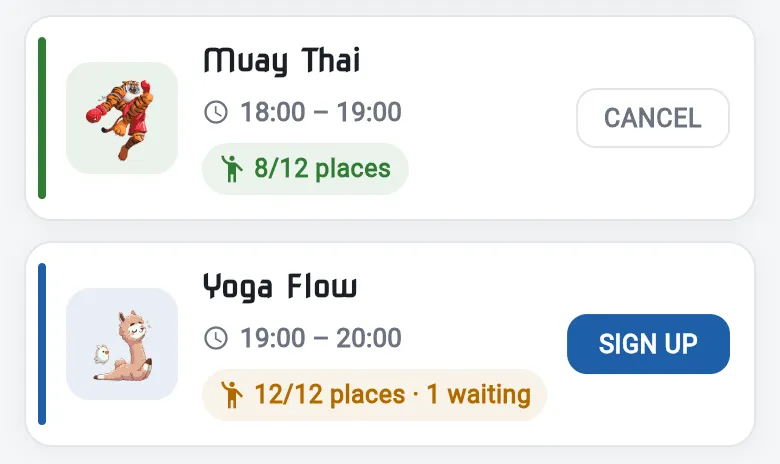
Class full? Tap SIGN UP anyway and choose Join waiting list. If someone cancels, you’re booked automatically. See Waiting lists.
Can’t come? Tap CANCEL on the class so someone else can have your place.
When you arrive, remember to check in.