Participation Agreement
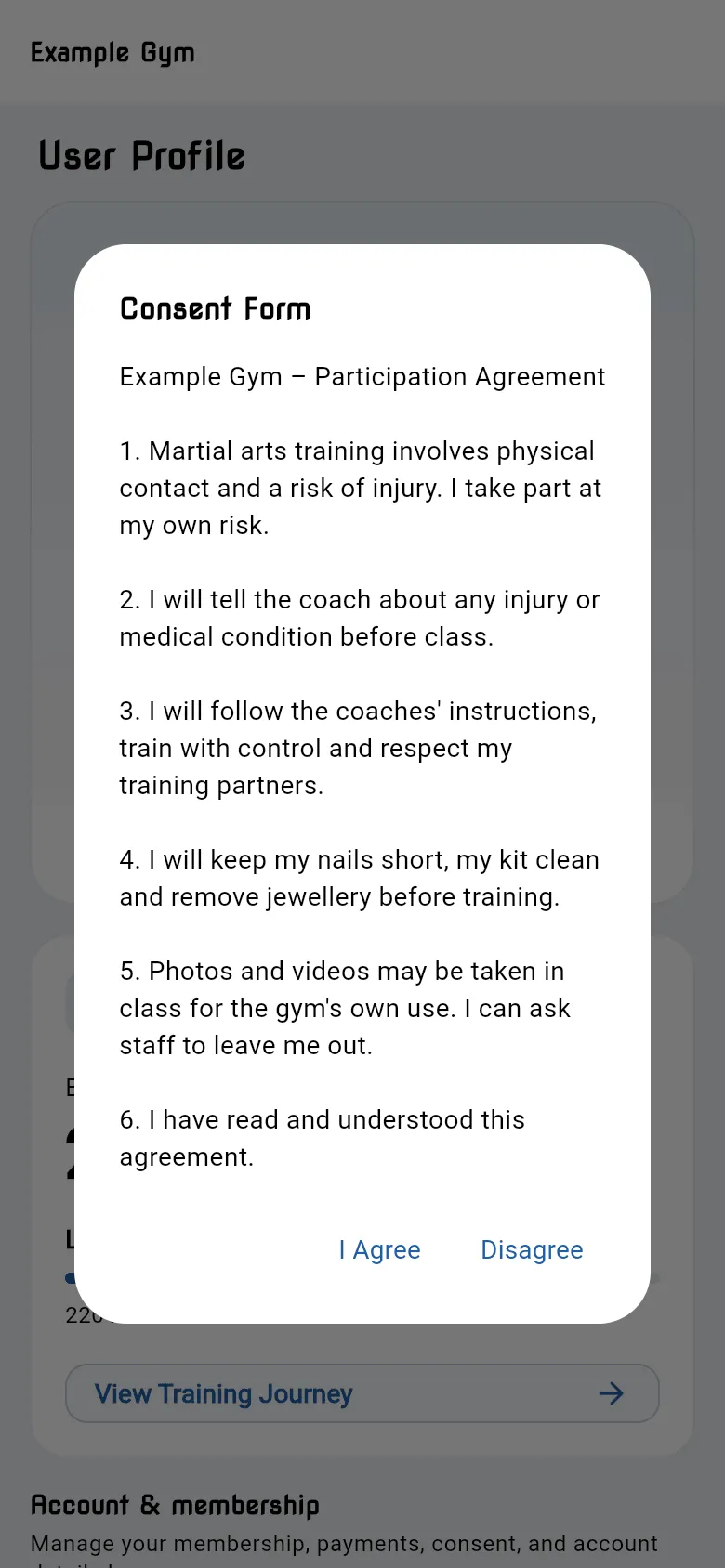
Before you can use the app, you need to agree to your gym’s Participation Agreement, shown as the Consent Form.
Agree for the first time
Section titled “Agree for the first time”The form opens by itself the first time you log in.
- Read the agreement.
- Tap I Agree.
If you tap Disagree, the form closes and your profile shows Not Signed. You can’t book classes or use the menu until you agree. To open the form again, tap the Not Signed chip at the top of your profile.
When the terms change
Section titled “When the terms change”If your gym updates the agreement, the app shows Our terms have changed, with a short What’s changed summary and the new version. Read it and tap I Agree to keep using the app. Until you do, your profile shows Terms updated.
If the agreement changes again while you’re reading it, the app tells you and shows the latest version.
Language
Section titled “Language”The agreement is shown in the app’s language (English or Japanese) where your gym provides it.