Shop
If your gym uses this, the Shop shows its gear, clothing and other items. Open it from the menu: Shop.
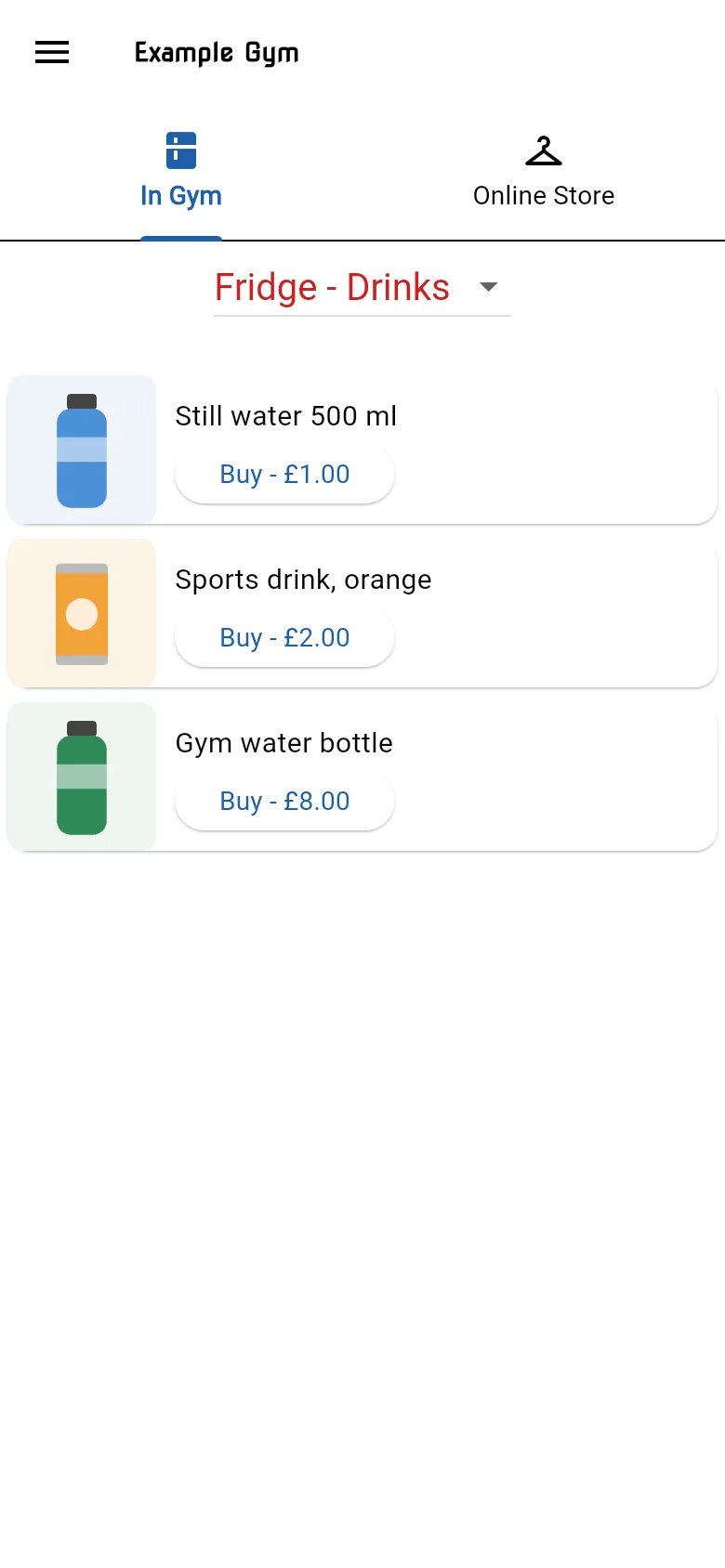
The shop has two tabs:
- In Gym: items you can buy at the gym.
- Online Store: items you can buy from the gym’s online store.
On each tab, choose a category from the list at the top. Each item shows a photo, its name and a Buy button with the price. Tap Buy to open the item’s page, where you can buy it.
If a tab shows No items available, there’s nothing in that part of the shop at the moment.