
Announcements and notifications
Announcements
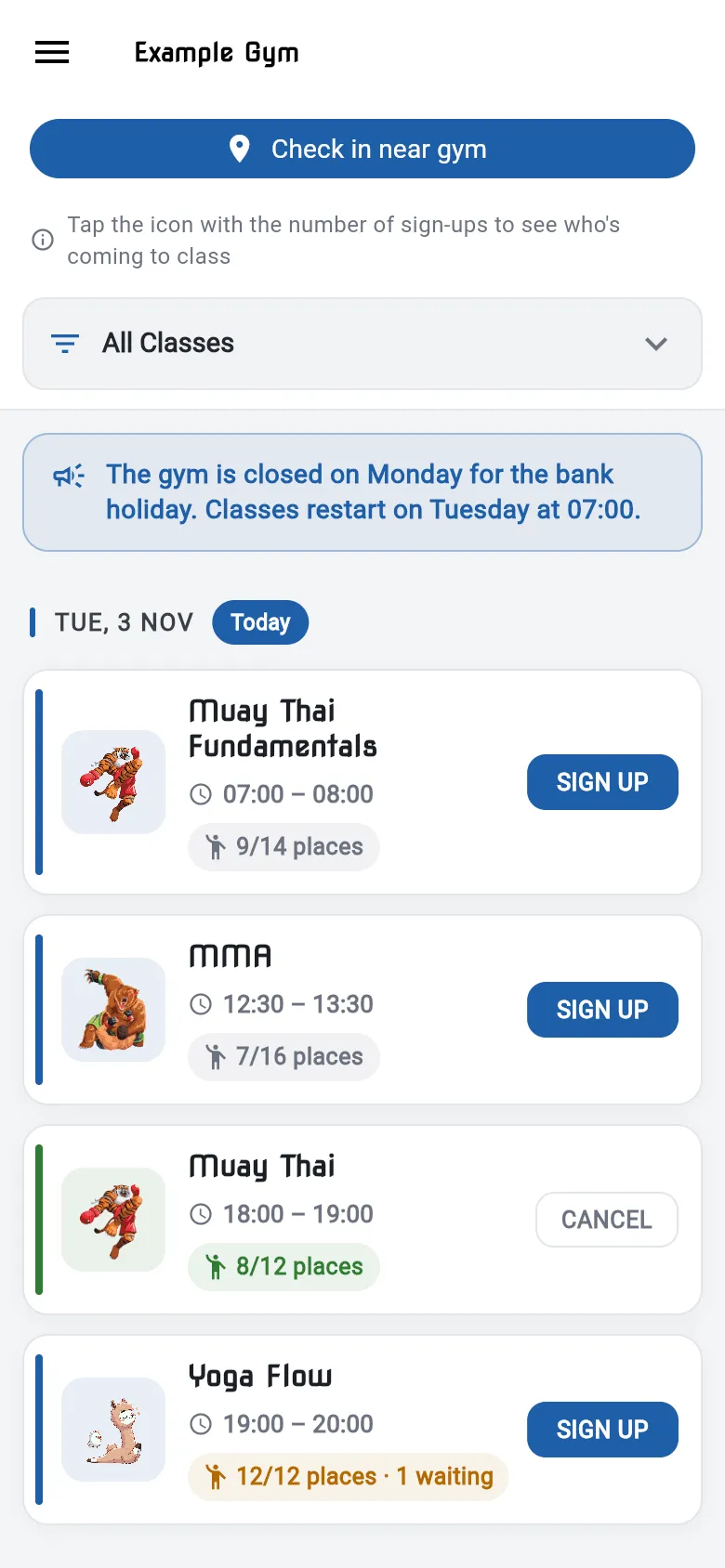
Section titled “Announcements”When your gym posts an announcement, it appears at the top of the Class Timetable, above the first day of classes. Check it when you open the app, for example for holiday opening times or class changes.
Push notifications
Section titled “Push notifications”On iPhone and Android, the app can send you notifications from your gym, for example about class changes or messages.
- The app asks for permission the first time. Tap Allow.
- To turn notifications on or off later, use your phone’s settings: Settings → Notifications on iPhone, or Settings → Apps → Notifications on Android, then choose your gym’s app.
The web app doesn’t send push notifications. Check the timetable for announcements instead.