
Votes
Your gym can run polls in the app, for example to choose a new class time or vote for a member of the month. Open them from the menu: Votes.
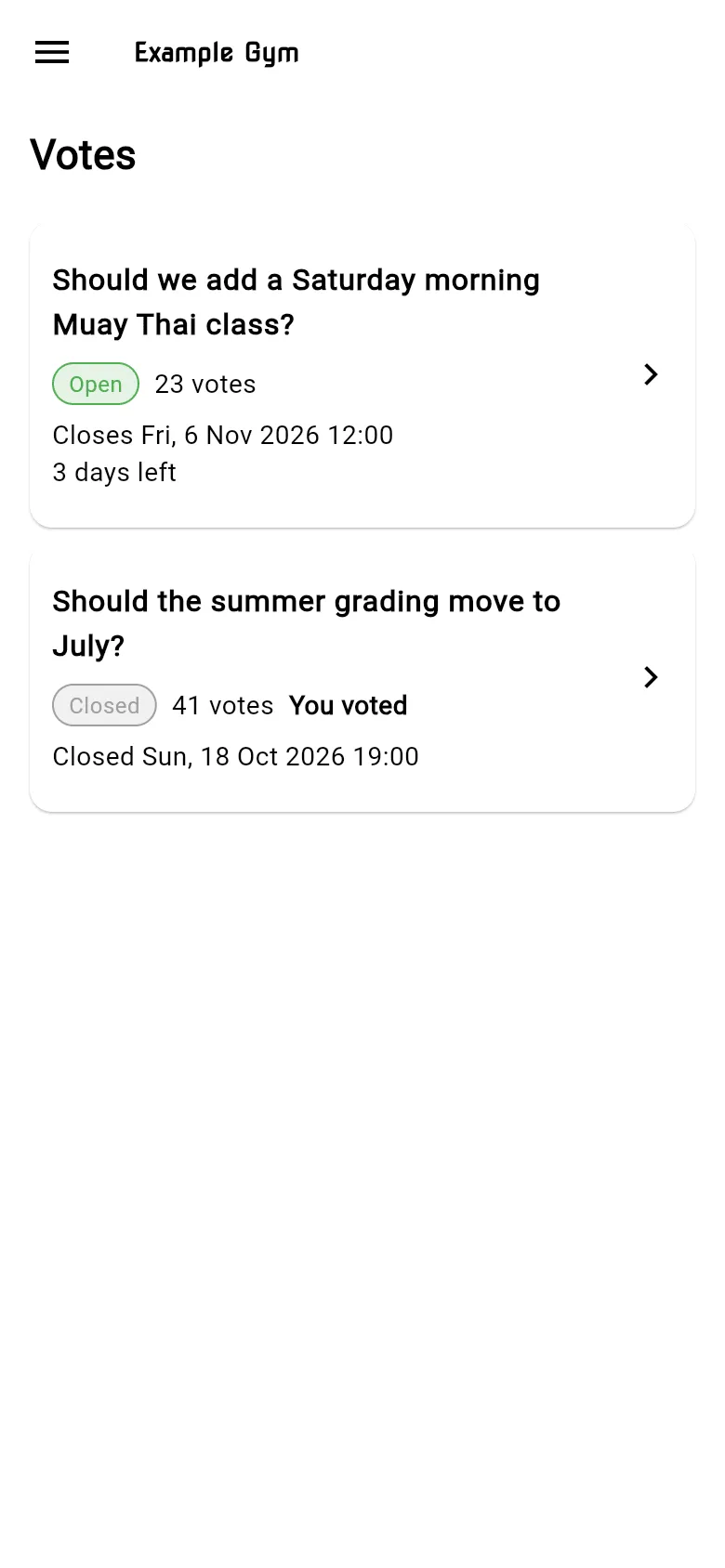
The list
Section titled “The list”Each vote shows whether it’s Open, Closed or Cancelled, when it closes (for example 3 days left or Closing very soon), how many votes it has, and You voted if you’ve already voted. Tap a vote to open it.
- Open the vote.
- Choose your answer. Depending on the vote:
- Yes or No,
- Choose a member from a shortlist, or
- Search members by typing at least a few letters of their nickname, then choose one.
- Add a Comment if you want. It’s optional.
- Tap Submit vote. You see Your vote has been recorded.
While the vote is open, you can change your answer and tap Update vote.
Results
Section titled “Results”Each vote shows its Results as a chart. Tap Show all to see every option.
If you can’t vote
Section titled “If you can’t vote”- You need a current membership and a nickname to vote. Check your membership and your nickname on your profile.
- This vote is closed or This vote was cancelled: no more votes are accepted.