
Stats
Stats shows how often you train. Open it from the menu: Stats. It has two tabs.
Beast of the Month
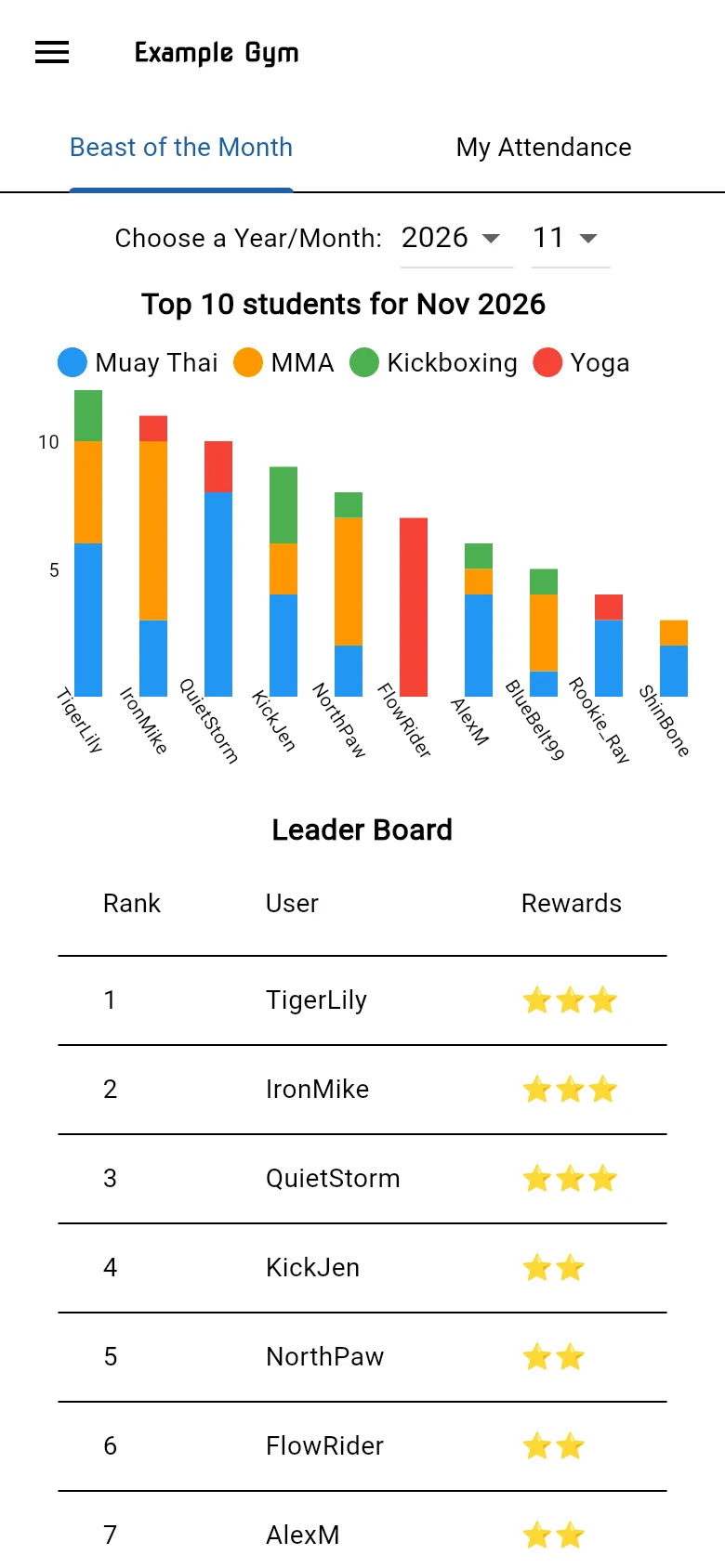
Section titled “Beast of the Month”The gym’s leaderboard. Choose a month to see the top 10 students for that month as a chart, and the full Leader Board below it. Members appear by their nickname.
My Attendance
Section titled “My Attendance”My Attendance Record shows how many classes you attended each month, and your Total. Tap a month to see the breakdown by type of class.
If you haven’t checked in to any classes yet, you see No attendance data available yet. Attendance comes from checking in, so check in at every class.